1. Acceptance of Terms
By downloading, installing, or using Driver Logbook (the "App"), you agree to be bound by these Terms & Conditions ("Terms"). If you do not agree to these Terms, do not download or use the App.
These Terms apply to all users of any version of Driver Logbook distributed through the Apple App Store. Your use of the App is also subject to Apple's Standard End User License Agreement (EULA), which is incorporated here by reference. In the event of a conflict between these Terms and Apple's EULA, Apple's EULA controls with respect to Apple's role.
We reserve the right to update these Terms at any time. Continued use after updates are posted constitutes acceptance of the revised Terms.
2. Description of the App
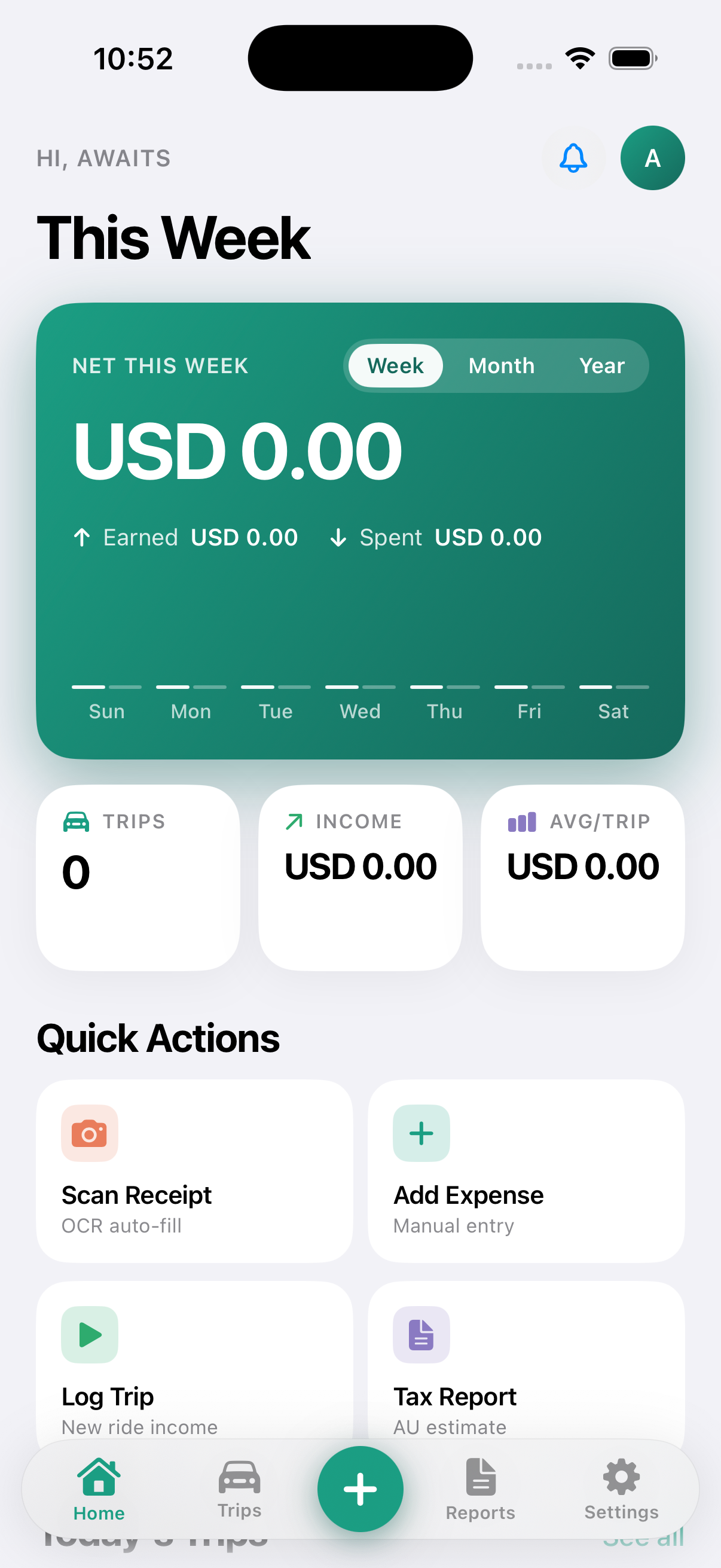
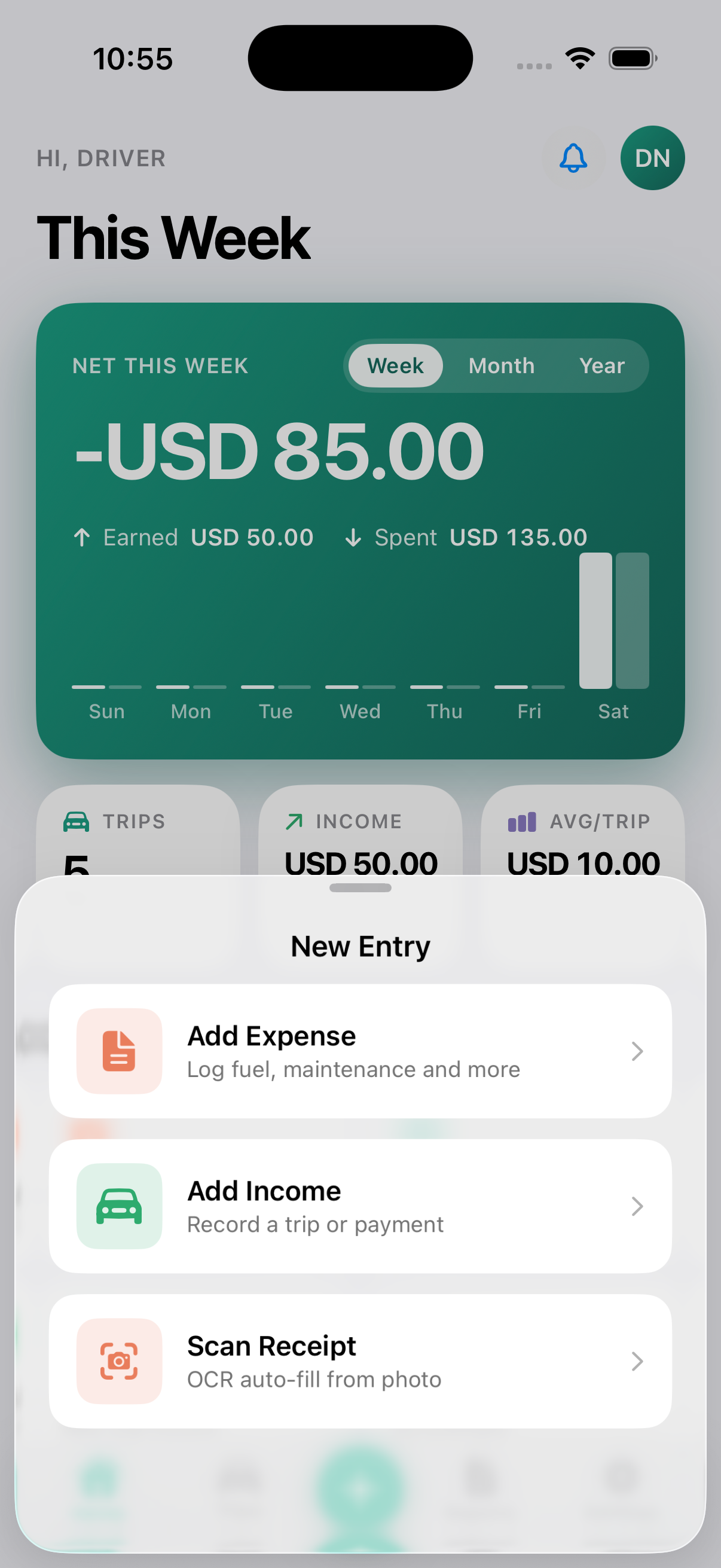
Driver Logbook is a personal finance tracking application designed to help rideshare and delivery drivers:
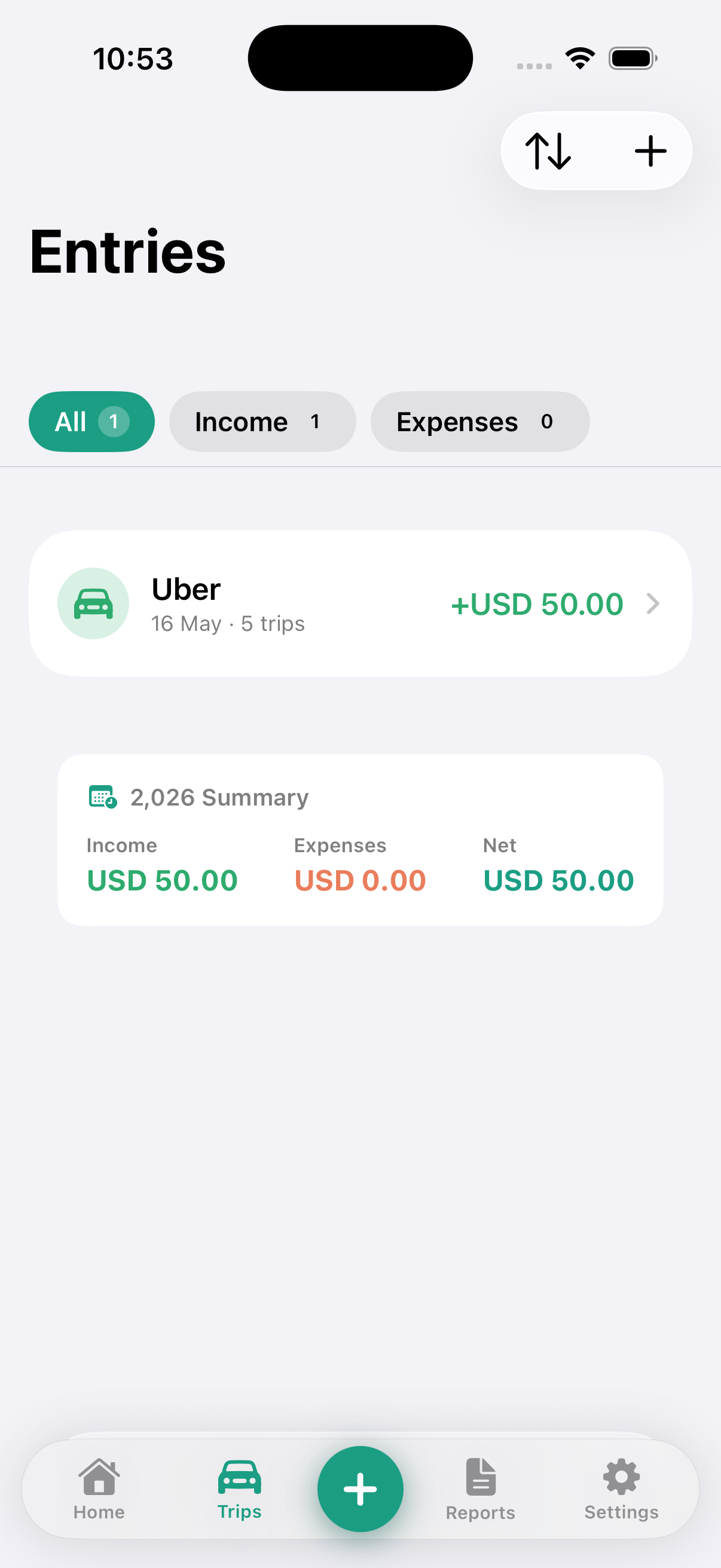
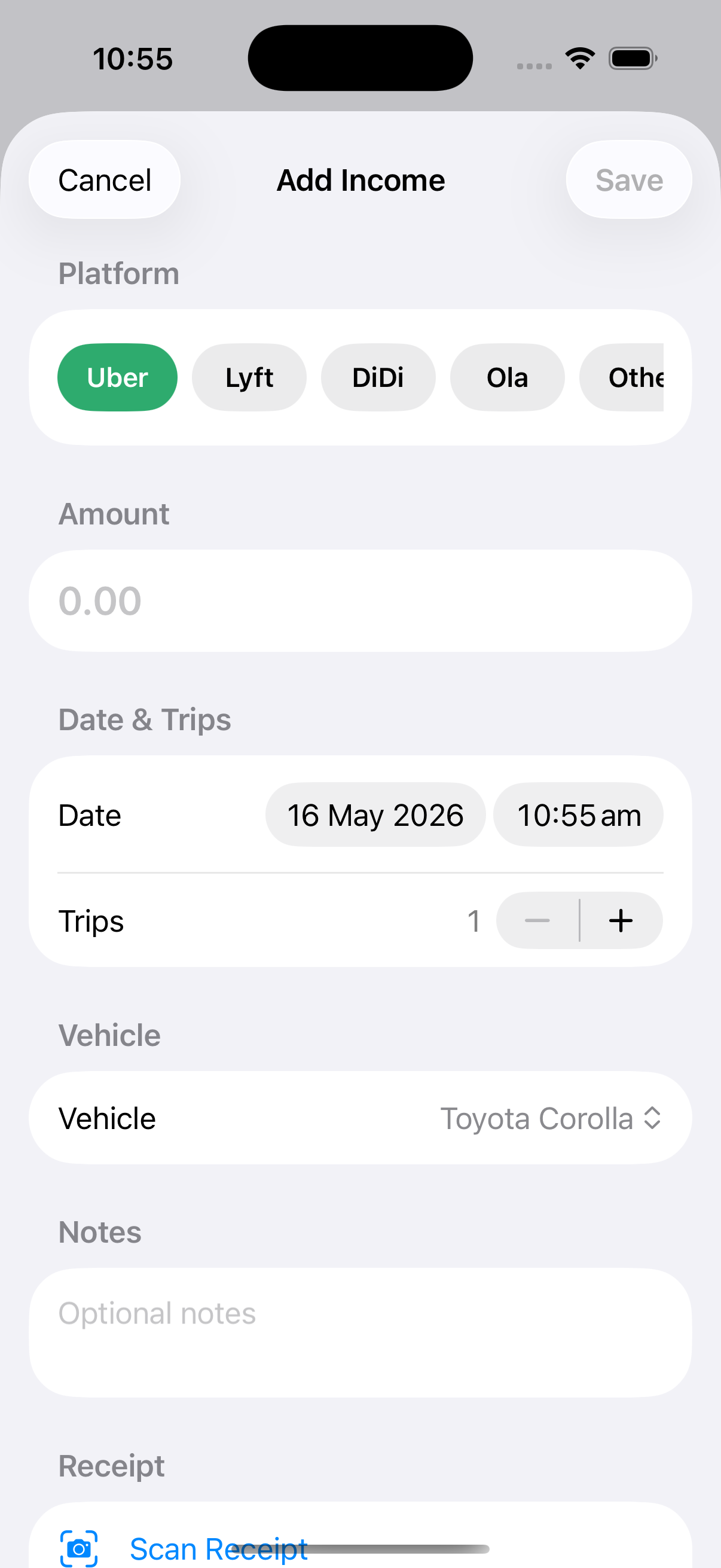
- Log trip income from platforms including Uber, DiDi, Lyft, and Ola
- Record and categorise business expenses
- Capture and store receipt images with on-device OCR extraction
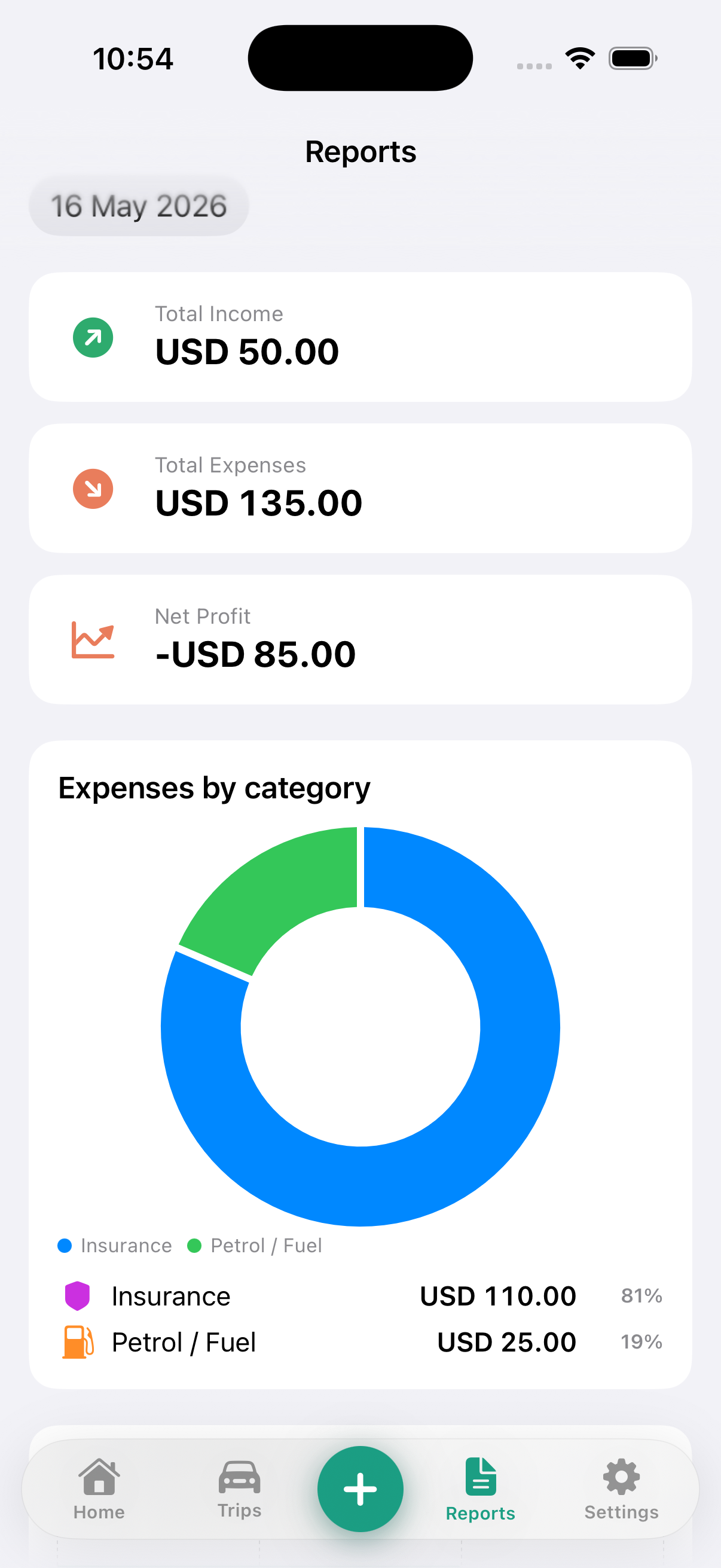
- View profit and loss reports and export data as CSV
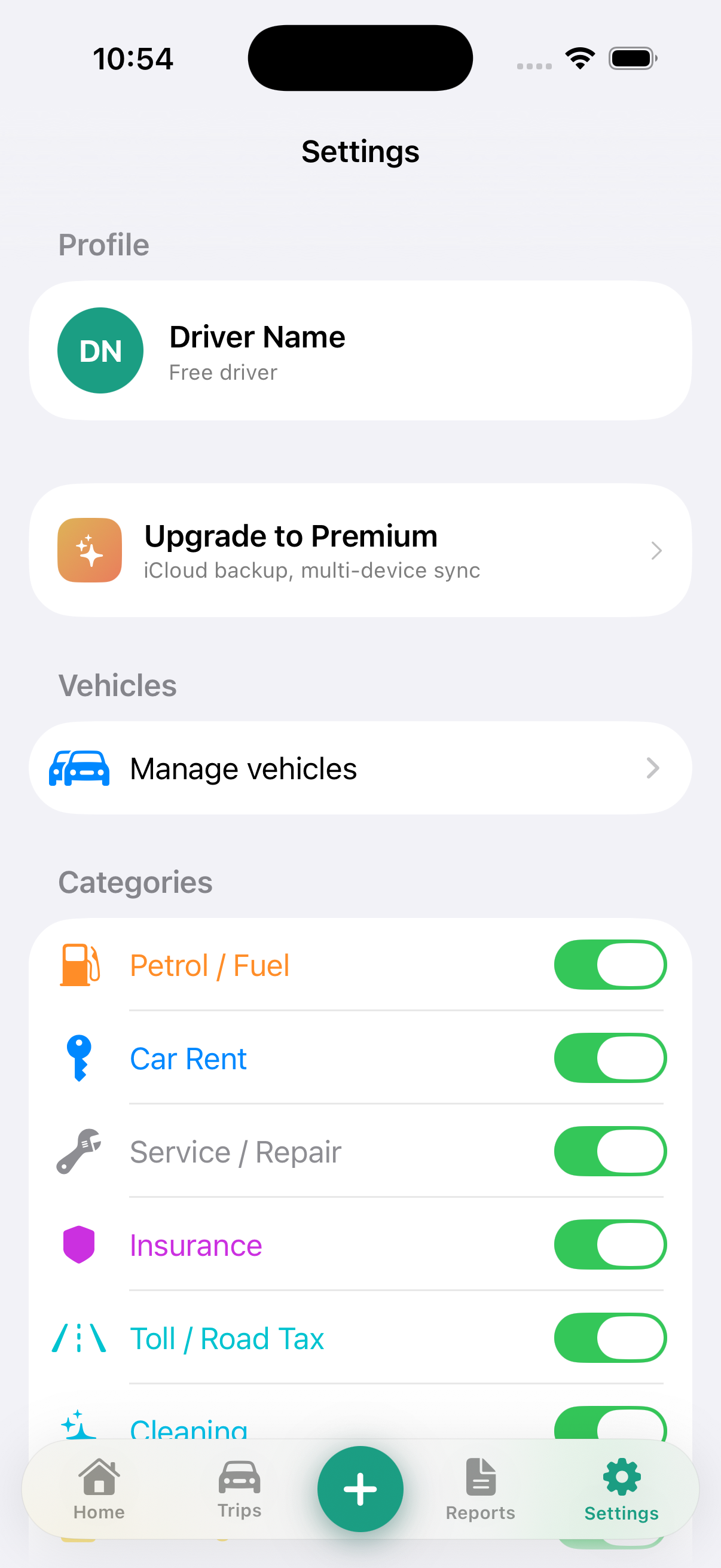
- Sync data across devices via iCloud (Premium)
Important: Driver Logbook is a record-keeping tool only. It does not provide tax advice, accounting services, financial planning, legal advice, or any regulated financial service. Any report or export generated by the App is for your personal reference only. You should consult a qualified tax professional or registered tax agent before lodging any tax return or BAS.
3. Eligibility
You must be at least 18 years old and hold a valid Apple ID to use Driver Logbook. By using the App you represent and warrant that you meet these requirements. The App is intended for personal, non-commercial use to track your own driving activity and associated business income and expenses.
4. Licence Grant
Subject to these Terms, we grant you a limited, non-exclusive, non-transferable, revocable licence to download and use the App on any iPhone you own or control, solely for your own personal use. This licence does not include the right to:
- Sublicense, sell, resell, or distribute the App
- Modify, adapt, translate, or create derivative works
- Reverse-engineer, decompile, disassemble, or attempt to derive source code
- Remove or alter any proprietary notices or labels
5. Free & Premium Plans
5.1 Free tier
Driver Logbook offers a free tier with core tracking features including unlimited trip income entries, unlimited expense entries, receipt scanning, a live dashboard, and weekly/monthly/yearly reporting — available at no charge with no time limit.
5.2 Premium subscription
The following features require an active Premium subscription purchased through the Apple App Store:
- iCloud Sync across all your iPhones
- Income and expense tracking with receipt scanning
- CSV export of your financial data
Premium is available as a monthly ($1.99 USD/month) or annual ($9.00 USD/year) auto-renewing subscription. Prices may vary by region and are displayed in the App Store at the time of purchase.
- Payment is charged to your Apple ID at confirmation of purchase.
- Subscriptions automatically renew unless auto-renewal is turned off at least 24 hours before the end of the current period.
- You can manage or cancel your subscription at any time via Settings → [Your Name] → Subscriptions on your iPhone.
- No refund is issued for the unused portion of a subscription period, except as required by applicable law.
5.3 Free trial
We may offer a free trial period for Premium. If a free trial is offered, it begins on the date of subscription confirmation and converts to a paid subscription at the end of the trial period unless you cancel at least 24 hours before expiry.
5.4 Price changes
We may change subscription pricing at any time. Price changes will be communicated via the App Store and will take effect at your next renewal. If you do not agree to a price change, you must cancel before the renewal date.
6. User Responsibilities
You agree to use Driver Logbook only for lawful purposes and in accordance with these Terms. You must not:
- Enter false, fraudulent, or misleading financial data with intent to deceive any tax authority, government agency, or third party
- Use the App or any export from it to commit fraud or financial misrepresentation
- Reverse-engineer, decompile, or disassemble any part of the App
- Modify, adapt, translate, or create derivative works based on the App
- Use the App in any manner that violates Apple's App Store Guidelines or applicable laws
- Attempt to gain unauthorised access to any portion or feature of the App
- Use the App on behalf of any third party without their explicit consent
You are solely responsible for the accuracy of the data you enter and for how you use any report or export generated by the App. We are not liable for errors in manually entered data or for OCR extraction inaccuracies.
7. Intellectual Property
Driver Logbook, its name, logo, user interface design, source code, and all associated intellectual property are owned by or licensed to the developer, Awais Jamil. Nothing in these Terms grants you any ownership rights in the App or its content.
The App's underlying source code is available on GitHub. The availability of source code does not grant you rights to use the Driver Logbook name, App Store listing, or design assets. See the repository's licence file for the applicable open-source licence terms.
8. Privacy
Your use of Driver Logbook is also governed by our Privacy Policy, which is incorporated into these Terms by reference. By using the App you consent to the data practices described in the Privacy Policy.
9. Third-Party Services
Driver Logbook integrates with the following Apple platform services:
- Apple CloudKit — for iCloud Sync (Premium). Governed by Apple's Privacy Policy and iCloud Terms.
- Apple StoreKit — for in-app purchases. Payment processing is handled entirely by Apple.
- Apple Vision — for on-device OCR. All processing occurs locally on your device.
- Sign In with Apple — for optional authentication. Governed by Apple's Sign In with Apple terms.
We do not embed any third-party analytics, advertising, or tracking SDKs. We are not responsible for the privacy practices of Apple's platform services.
10. Disclaimers
The App is provided "as is" and "as available" without warranties of any kind, whether express or implied, including but not limited to implied warranties of merchantability, fitness for a particular purpose, accuracy, and non-infringement.
Specifically, we do not warrant that:
- The App will operate error-free, uninterrupted, or free of bugs
- OCR receipt extraction will be 100% accurate — you should always verify extracted amounts and dates
- Reports or CSV exports will satisfy any particular tax, legal, or accounting requirement in your jurisdiction
- iCloud Sync will be available at all times — availability depends on Apple's iCloud infrastructure
- The App will be compatible with future iOS versions
Tax laws and regulations vary by jurisdiction and change frequently. You are responsible for verifying that any use of the App's outputs complies with applicable laws in your country or region.
11. Limitation of Liability
To the maximum extent permitted by applicable law, the developer (Awais Jamil) shall not be liable for any indirect, incidental, special, consequential, exemplary, or punitive damages arising from or related to your use of or inability to use the App, including but not limited to:
- Loss of data or corruption of records
- Tax penalties, fines, or assessments arising from reliance on App outputs
- Loss of revenue or profits
- Costs of substitute goods or services
Our total aggregate liability to you for any claim arising from these Terms or your use of the App shall not exceed the total subscription fees you paid in the twelve (12) months immediately preceding the claim, or AUD $10 if you have not paid any fees.
Some jurisdictions do not allow the exclusion or limitation of certain damages. In such jurisdictions, our liability is limited to the fullest extent permitted by law.
12. Indemnification
You agree to indemnify, defend, and hold harmless the developer from and against any claims, liabilities, damages, losses, and expenses (including reasonable legal fees) arising out of or in any way connected with your use of the App, your violation of these Terms, or your violation of any applicable law.
13. Termination
These Terms remain in effect while you use the App. We reserve the right to terminate or suspend your access to the App immediately if you materially breach these Terms. You may stop using the App and delete it at any time without notice to us.
Upon termination, Sections 7, 10, 11, 12, and 14 of these Terms survive.
14. Governing Law & Disputes
These Terms are governed by the laws of New South Wales, Australia, without regard to conflict-of-law principles. Any dispute arising out of or relating to these Terms or the App that cannot be resolved informally shall be subject to the exclusive jurisdiction of the courts of New South Wales, Australia.
If you are a consumer in a jurisdiction that grants you additional statutory rights (such as under Australian Consumer Law), nothing in these Terms limits those rights.
15. Apple as Third-Party Beneficiary
You acknowledge that Apple Inc. is a third-party beneficiary of these Terms and, upon your acceptance, Apple will have the right (and will be deemed to have accepted the right) to enforce these Terms against you as a third-party beneficiary. Apple has no obligation to provide any maintenance or support services for the App.
In the event of any claim by a third party that the App or your possession and use of the App infringes that third party's intellectual property rights, Apple (not us) will be solely responsible for the investigation, defence, settlement, and discharge of any such infringement claim.
16. Changes to These Terms
We may update these Terms periodically. We will post the updated Terms here with a new "Last updated" date. For material changes, we will provide in-app notice. Your continued use of the App after changes are posted constitutes your acceptance of the updated Terms.
17. Contact
Questions or concerns about these Terms? Please reach out.